
Table of Contents
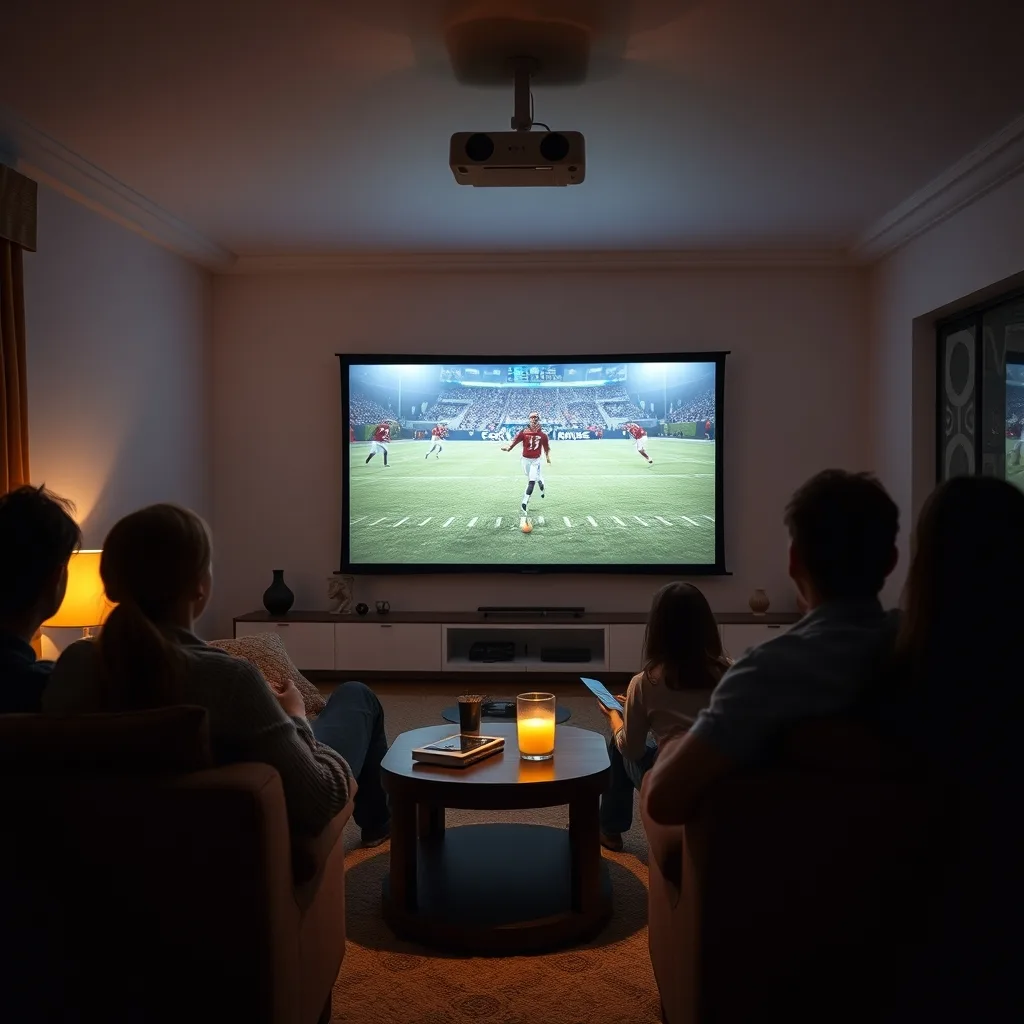
Buyers shopping for the best projectors for sports want one thing above all: a picture that stays bright, sharp, and smooth when the game is moving fast. A giant screen makes every play easier to follow, but only if the projector can keep up with motion, ambient light, and a room that was never designed as a theater.
This guide focuses on what actually matters for game day, from brightness and input lag to screen size and sound. It also explains where cheap projectors cut corners, so you can avoid a purchase that looks impressive in a showroom and disappointing on Sunday afternoon.
Why the Best Projector for Sports Beats a Big TV
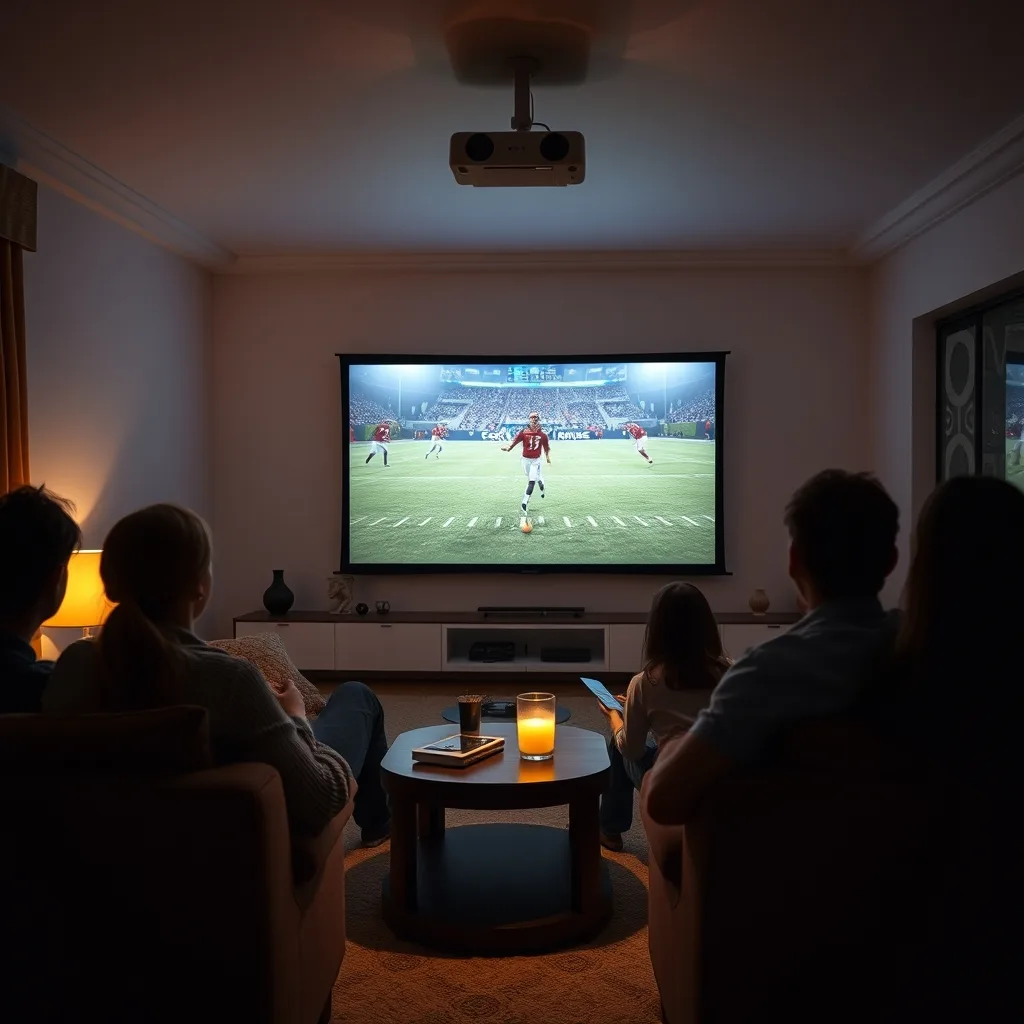
A projector separates the screen from the hardware. That means a 100-inch image can disappear when the game ends, leaving the room unchanged. For apartments and multipurpose living rooms, that flexibility is the main appeal.
The trade-off is light. A television fights room light directly, while a projector bounces light off a wall or screen. In a bright room, a weak projector looks washed out. In a dark room with a good screen, a mid-range model can look surprisingly cinematic.
What to Look For in a Sports Projector
| Feature | Why It Matters | Practical Target |
|---|---|---|
| Brightness | Fights ambient light during daytime games | 2,000+ ANSI lumens for dim rooms; 3,000+ for living rooms |
| Resolution | Keeps scoreboards, faces, and text crisp | 1080p minimum; 4K for large screens |
| Input lag | Reduces delay in fast games and console play | Under 30 ms in game mode |
| Contrast | Separates dark uniforms from shadows | High native contrast or a good dynamic mode |
| Screen | Controls brightness and viewing angle | Fixed or pull-down screen beats a painted wall |
| Sound | Built-in speakers are usually weak | Plan for a soundbar or receiver |
Brightness claims need scrutiny. Manufacturers sometimes quote light-source output rather than the ANSI lumens that reach the screen. Look for independent reviews that measure a calibrated image, not a marketing number on the box.
How to Choose the Best Projector for Sports at Home
- Measure the wall and the throw distance before buying. A short-throw model can sit close to the wall, while a long-throw unit needs more depth.
- Match brightness to the room. If most games are watched at night, 2,000 lumens is often enough; a sunny living room needs more.
- Check input lag for console gaming and streaming sticks. A projector that looks fine in a movie can feel sluggish in a shooter.
- Plan the audio. Built-in speakers rarely fill a room, and a soundbar is an easy upgrade.
- Confirm the return policy. Projectors look different in a real room than in a store demo.
Portability matters if you move the projector between rooms or take it to a friend’s place. A compact model with automatic keystone correction is easier to set up, but it may sacrifice brightness and lens quality.
Screen Size and Seating
Sit roughly 1.5 to 2.5 times the screen width away for a comfortable field of view. A screen that is too large for the room forces constant eye movement, which is tiring during a long game. Mark the proposed screen size on the wall with tape before you commit.
Setup Tips for Game Day
Control light first. Curtains and blinds do more for perceived picture quality than most settings. Then set the projector to a movie or cinema mode, disable vivid presets, and adjust brightness only as needed.
Use a dedicated screen if possible. A white wall can work, but texture, color, and sheen affect the image. A matte gray screen can improve perceived contrast in rooms with some light, while a white screen maximizes brightness in a dark room.
Keep ventilation clear. Projectors run hot, and a unit tucked into a cabinet will dim, get louder, or shut down. Clean the filter according to the manual, especially in homes with pets.
Common Mistakes to Avoid
- Buying on resolution alone while ignoring brightness and contrast.
- Placing the projector too far from the screen and then relying on digital zoom, which softens the image.
- Using a vivid preset that clips highlights and makes grass look radioactive.
- Skipping a demo with real sports footage, where motion blur is easiest to see.
- Underestimating fan noise in a quiet room during a tense fourth quarter.
Room and Budget Considerations
Room conditions decide which best projector for sports setup will actually look good. A dark basement rewards contrast and color accuracy, while a bright living room rewards raw light output and a screen that rejects ambient light.
For a sunny room, choose a sports projector rated at 3,000 ANSI lumens or more and pair it with a matte screen. For a bedroom or basement, a 2,000-lumen model with strong contrast can look better than a brighter unit with washed-out blacks.
A practical way to compare the best projector for sports is to watch the same game clip in your room. The best projector for sports for one buyer may be too dim for another, and a unit that excels in a dark basement may struggle in a sunlit living room.
Budget, Mid-Range, and Premium
Entry-level best projector for sports models often trade brightness and lens quality for a low price. They can work in a dark room, but expect more fan noise and less accurate color.
Mid-range units are the practical sweet spot for most buyers. Look for measured brightness close to the claim, low input lag in game mode, and a replacement lamp or laser source with a clear lifespan.
Premium best projector for sports models add better optics, quieter cooling, and more accurate presets. The gain is real, but only if the room and screen are good enough to show it.
If you compare the best projector for sports in a store, ask for sports footage and a dark room. The best projector for sports for your room is the one that stays readable when the camera pans.
Best Projectors for Sports by Budget
Price bands help narrow the list, but the best projectors for sports are the ones that match your room. Use these bands as a starting point, then compare measured brightness, input lag, and fan noise before you buy.
Entry Level: Under $600
At this level, the best projectors for sports can work in a dark room with a modest screen. Most budget best projectors for sports trade brightness for price. Expect 1080p resolution, around 2,000 to 3,000 claimed lumens, and basic keystone correction. Check independent measurements because budget models often overstate brightness.
Mid-Range: $600 to $1,500
This is the practical range for most living rooms. The best projectors for sports here add better optics, lower input lag, and more accurate color. Shoppers comparing the best projectors for sports in this band should look for honest brightness specs and a game mode that actually reduces lag.
Look for a model that holds brightness after calibration and offers a clear lamp or laser lifespan.Premium: Above $1,500
Premium best projectors for sports bring quieter cooling, stronger contrast, and lens shift that makes placement easier. These best projectors for sports are built for dedicated rooms, not quick setup and teardown. If you move the projector between rooms, the best projectors for sports are usually the lighter mid-range models.
The gain is real only if your screen and room light are controlled. A premium projector on a textured white wall can look worse than a mid-range model on a proper screen.Whichever band you choose, budget for a screen and sound. The best projectors for sports are not automatically the most expensive ones. A $200 screen and a basic soundbar often improve game day more than a small step up in projector brightness. If you watch mostly at night, put more of the budget into contrast. If the room has windows, put it into measured brightness, and compare the best projectors for sports only after you know your room.
Quick Verdict
The right choice depends on the room more than the spec sheet. For a dark dedicated space, prioritize contrast and color accuracy. For a living room with windows, prioritize brightness and a good screen. For console play, check input lag before anything else. A well-chosen mid-range projector with a proper screen will usually beat a brighter bargain unit in real use.
If you are still comparing the best projectors for sports, test one live match before you keep it. For classroom and desk setups, see our guide to the best monitors for teachers. If you present lessons or visuals, these interactive poster tools are worth a look.
Further reading: how LEDs changed the world, ViewSonic M1 Pro, ViewSonic X1, and ViewSonic X10-4K.
Frequently Asked Questions
How many lumens do I need for a sports projector?
For a dark room, around 2,000 ANSI lumens is a practical starting point. A room with windows or lamps usually needs 3,000 or more, plus a screen that rejects some ambient light. Measured brightness matters more than the number on the box.
Is a projector good for watching live sports?
Yes, if it is bright enough and handles motion well. Look for low input lag, good contrast, and a screen sized for the room. Streaming delays come from the app and network, not the projector itself.
Should I buy a 4K or 1080p sports projector?
Choose 4K for screens larger than about 100 inches or for detailed text and menus. A good 1080p model can still look excellent for sports, especially when brightness and contrast are strong.

Kurnia Ardha is a senior education strategist at Pralearn covering learning science, admissions, testing, and financial planning. 6+ years, 140+ guides. Method: cognitive research, admissions data, and aid policy modeling. Author of 2,084 education guides since 2022.



More Stories
The Powerful Teacher Education Programs Shaping Tomorrow’s Most Inspiring Educators!
Education for all: Is the world on track? Some personal reflections on the first EFA Global Monitoring Report, 20 years back
There’s Only One Thing Better Than Proctoring